Shielded-first
Sapling addresses are treated as the default privacy path.
A shielded-address-first Zcash wallet for desktop, built around Sapling privacy, local control, and a full-node workflow.
zcashdmainnet + testnet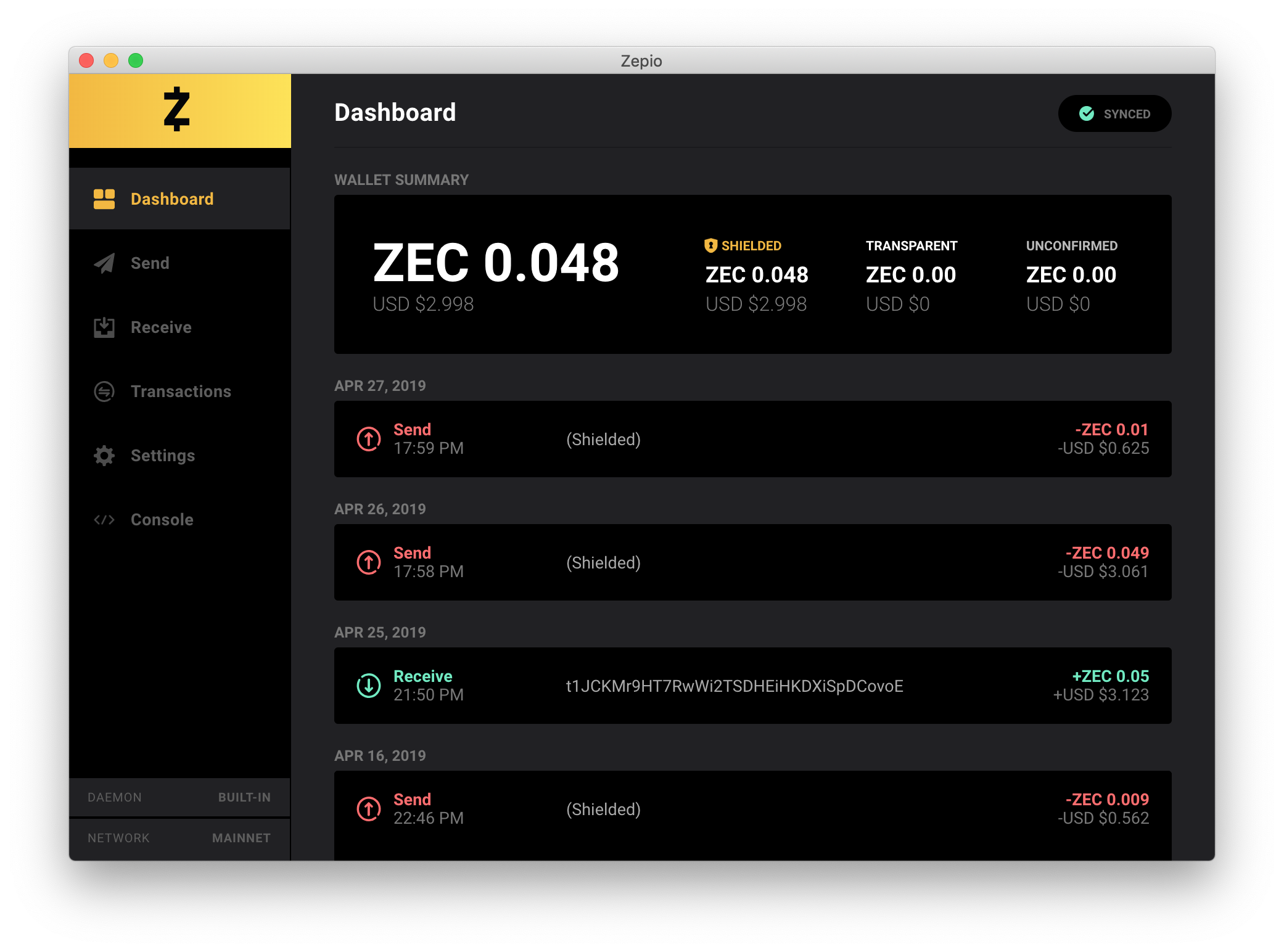
Sapling addresses are treated as the default privacy path.
Run with the embedded zcashd or connect your own.
Desktop builds for macOS, Windows and Linux.
A focused wallet interface with both display themes.
Privacy
Zepio keeps Sapling addresses close to the center of the wallet flow. Transparent addresses remain available, while shielded sends and receives are presented as the privacy-oriented path for everyday use.
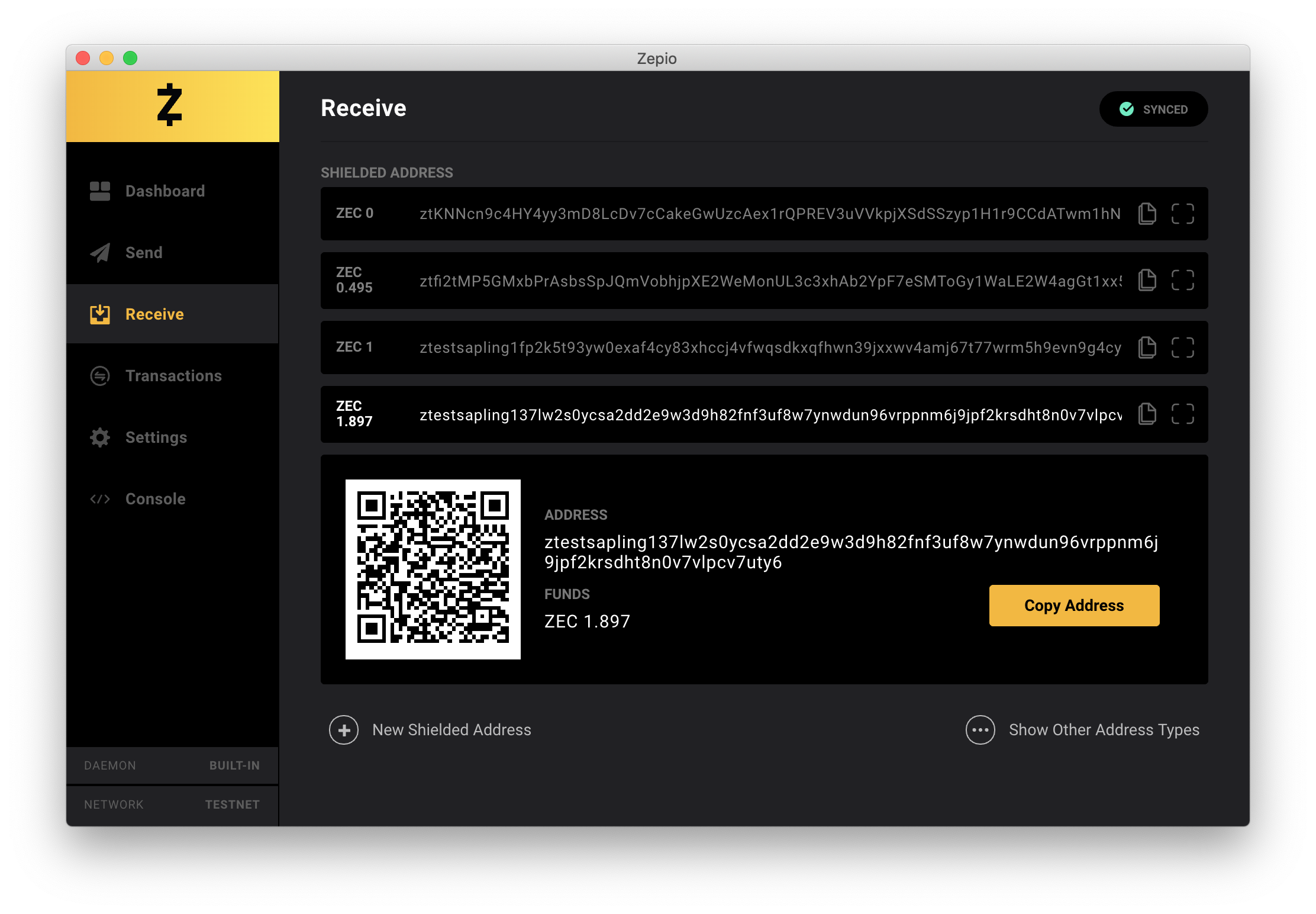
Create and use zs addresses directly from the Receive workflow.
Address validation, memo input and a final confirmation step stay inside the Send flow.
Zepio keeps outgoing shielded transaction information locally so the wallet can preserve useful history.
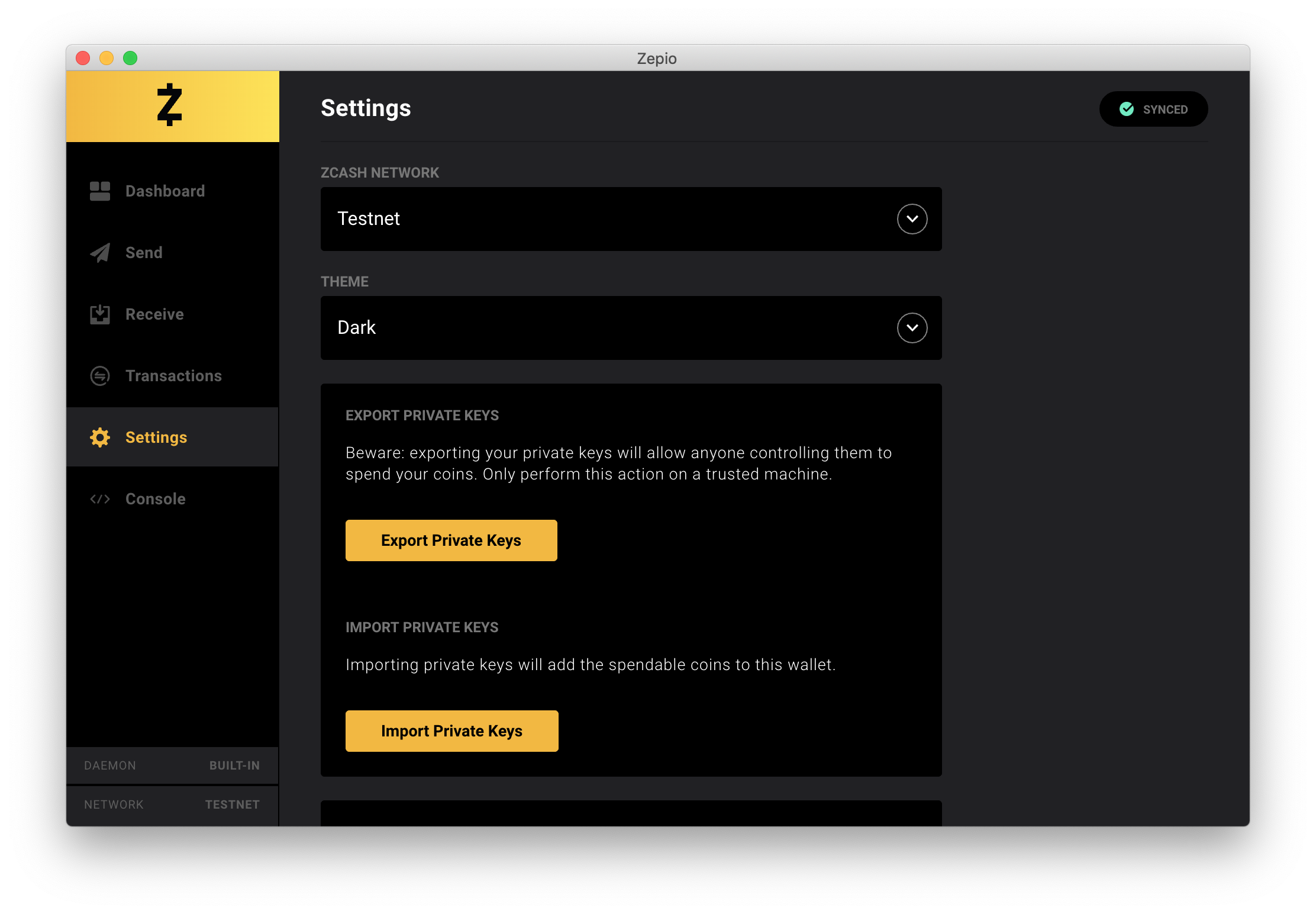
Full node
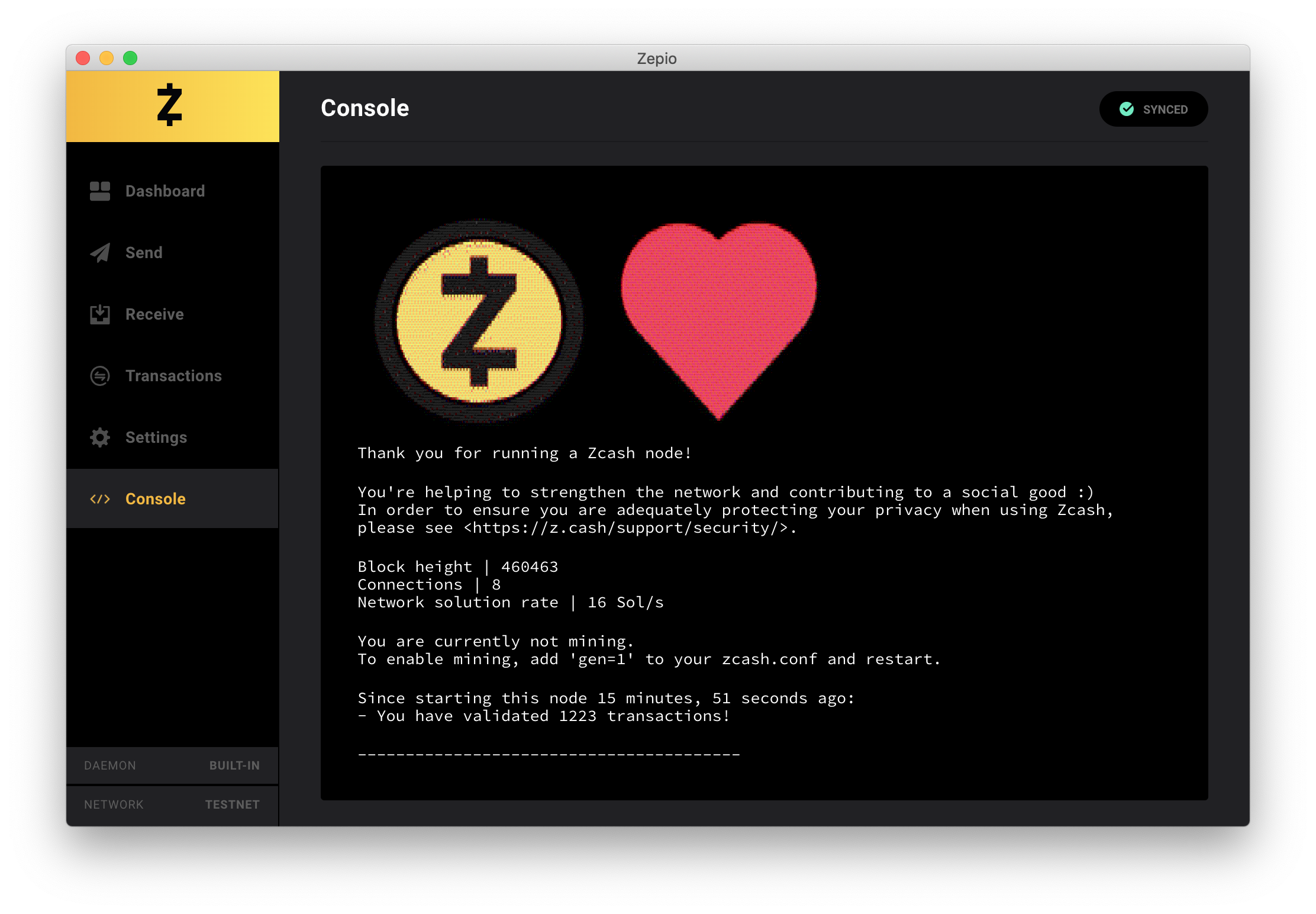
Zepio works with a full zcashd node rather than hiding the node layer. The application can start an embedded node, read node status in the Console, or connect to an existing setup through zcash.conf.
zcashd or external nodemainnet and testnetA full node requires local storage and an initial blockchain sync. See the installation notes for current project requirements.
Installation and requirementsInterface
A compact set of views for balances, sending, receiving, transaction history and wallet configuration.
Shielded, transparent and unconfirmed balances sit above the most recent wallet activity.
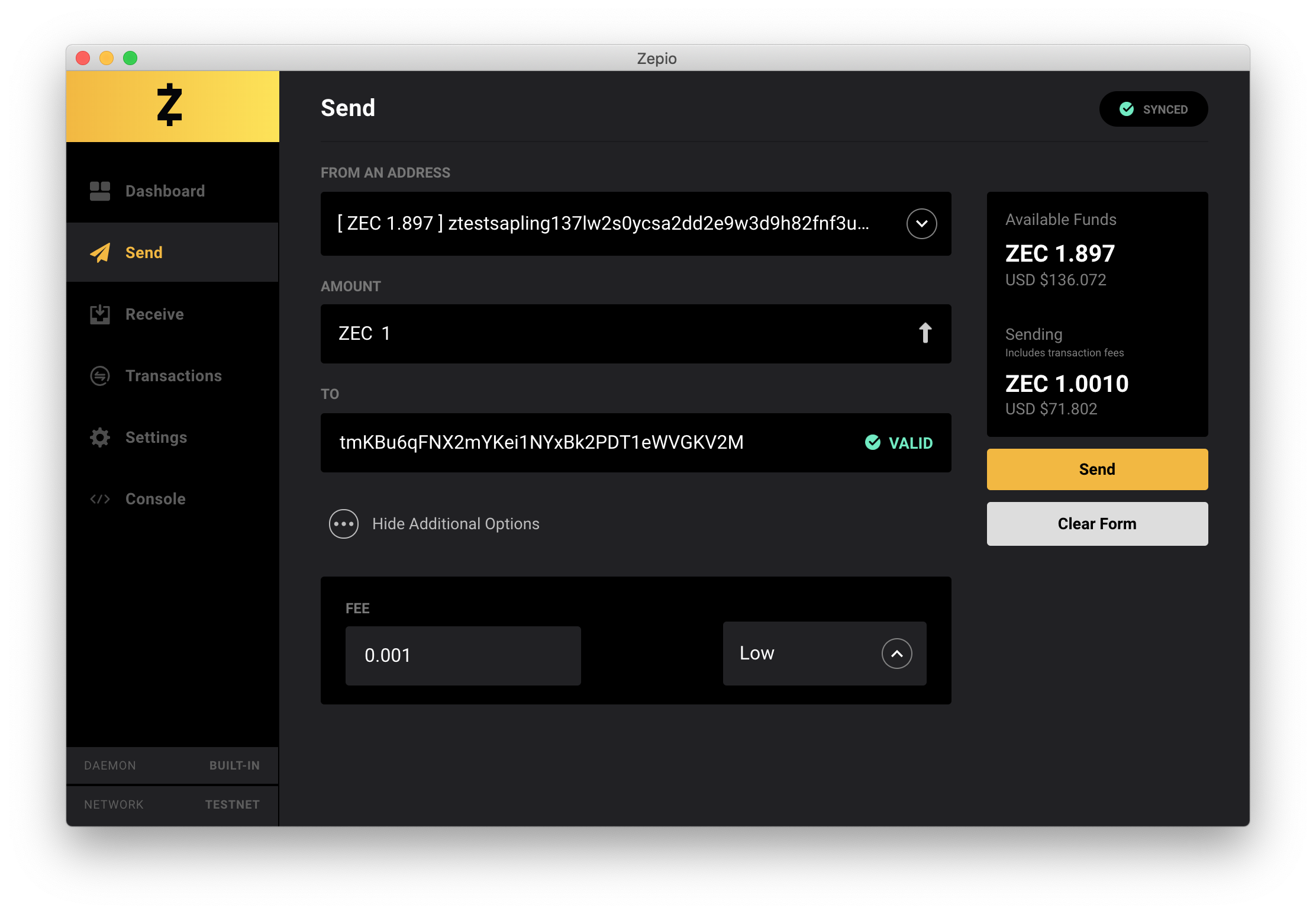
Choose a source, enter a destination and memo when supported, then review the transaction before broadcast.
Generate addresses, copy them quickly and open QR details without leaving the receive view.
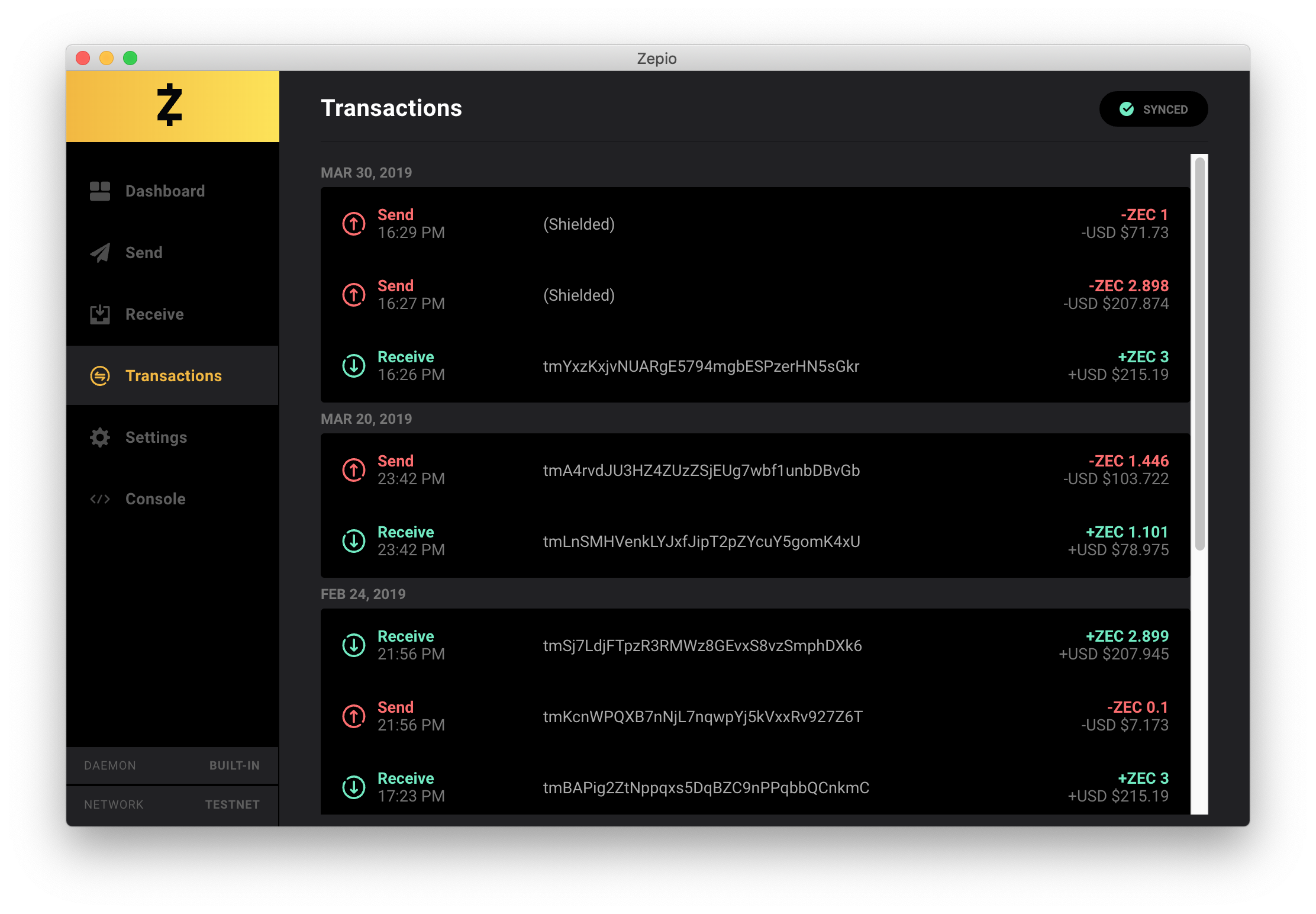
Review chronological send and receive entries, then open a transaction for identifiers and confirmation details.
Switch networks and themes, work with private keys, and access wallet backup controls.
Download
Get the desktop release for macOS, Windows, or Linux directly from zepiowallet.org.
Place release signatures and checksums in the same download folders when available.
FAQ
For deeper setup and troubleshooting material, continue into the documentation.
Read all FAQ entriesUse the download links on zepiowallet.org to get the available macOS, Windows, or Linux build.
No. Zepio operates with a full zcashd node and includes an embedded node for that workflow.
Yes. Both mainnet and testnet are supported and can be selected from Settings.
Yes. Zepio can read your zcash.conf configuration and connect to an external node.
Yes. Custom transaction fees are available from the additional options in the Send view.


